Documentation is always the first thing to fall behind. You ship a new Azure environment, wire up services, configure networking—and a few months later, nobody remembers why that Key Vault exists or how Container Apps talk to Cosmos DB. We built a proof-of-concept repo to change that. Using GitHub Copilot + Azure MCP (Model Context Protocol), this repo generates a complete infrastructure wiki directly from a live Azure environment in under 15 minutes—using only natural language prompts. No manual writing. No portal copy-paste.
What You Get in Minutes
From a running Azure environment, the repo automatically generates:
- Architecture diagrams
- Full resource inventory (21 resources)
- Network topology
- Dependency maps
- Integration guides
- Operational runbooks
That's 13 documentation files in ~15 minutes, with zero manual effort. Join our community!
Why This Matters
Accurate by default Docs reflect what's actually deployed—not last quarter's diagram. Instant onboarding New engineers get a real architecture walkthrough on day one. Audit ready Network and dependency documentation generated on demand. Knowledge democratized Junior engineers can produce senior-level documentation.
How It Works (High Level)
GitHub Copilot uses Azure MCP to query your live Azure environment:
- Discovers resources via Azure Resource Graph
- Inspects networking, security, and dependencies
- Generates diagrams and documentation automatically
You simply prompt in natural language. If you're already using Copilot for code, setting up custom Copilot instructions can standardize documentation workflows across your team. Example:
"Create a wiki for this resource group with diagrams, inventory, dependencies, and runbooks." That's it.
What's Next
We're scaling this into an Enterprise Documentation Agent using Azure AI Foundry:
- Multi-subscription discovery
- Automatic updates when infrastructure changes
- Pull requests with refreshed docs
- Compliance mapping
- Cost attribution
- Drift detection
The goal: always-current documentation across your entire Azure estate. If you're planning a structured cloud rollout, our guide to Azure AI landing zones covers enterprise-ready infrastructure patterns that pair well with automated documentation.
Try It Yourself
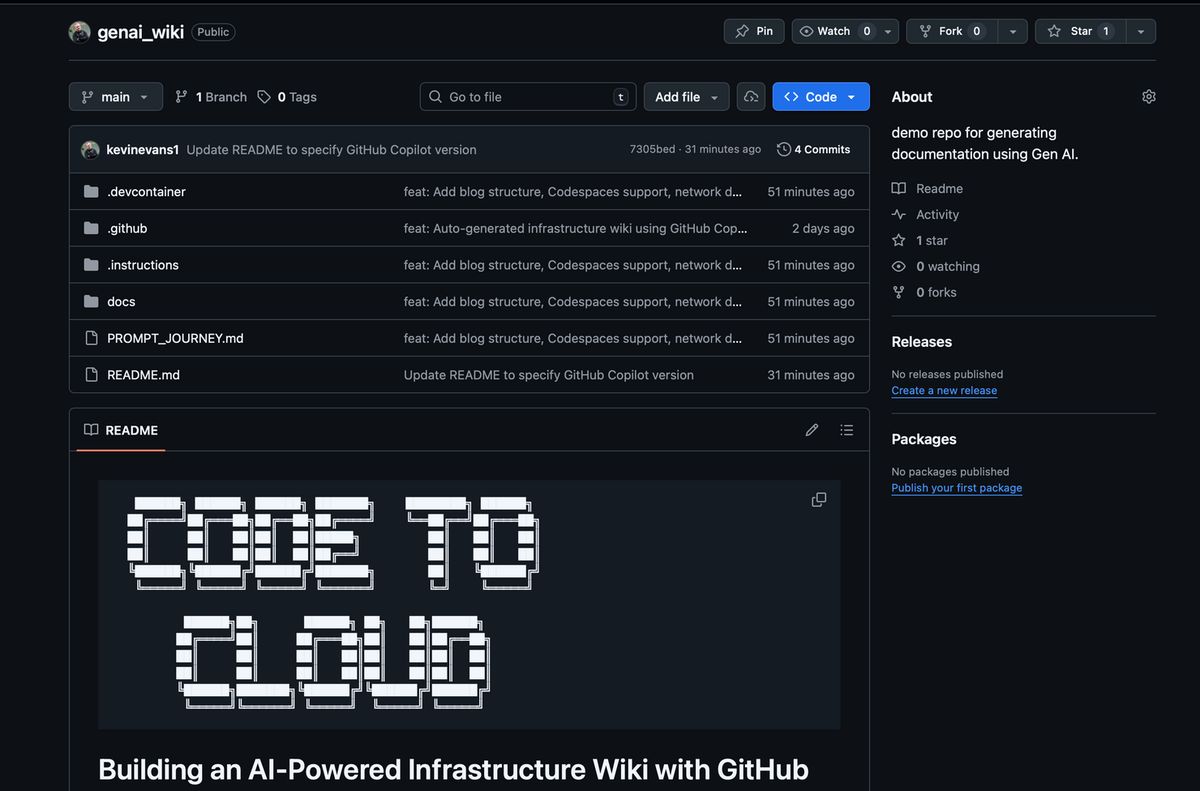
Repo: github.com/kevinevans1/genai_wiki Requirements:
- GitHub Copilot
- Azure MCP extension
- Reader access to Azure
Works locally or via GitHub Codespaces.
Final Thoughts
Documentation doesn't have to be manual or stale. With the right tools, your infrastructure can document itself—accurately, instantly, continuously. This repo shows what's possible.
Frequently Asked Questions
What does the self-documenting infrastructure proof-of-concept generate?
A complete infrastructure wiki from a live Azure environment in under 15 minutes — architecture diagrams, a full resource inventory, network topology, dependency maps, integration guides, and operational runbooks, 13 documentation files total, using only natural language prompts.
What tools does this require?
GitHub Copilot, the Azure MCP (Model Context Protocol) extension, and reader access to Azure. It works locally or via GitHub Codespaces.
What's next for this approach?
Scaling it into an Enterprise Documentation Agent using Azure AI Foundry, with multi-subscription discovery, automatic updates when infrastructure changes, pull requests with refreshed docs, compliance mapping, cost attribution, and drift detection.